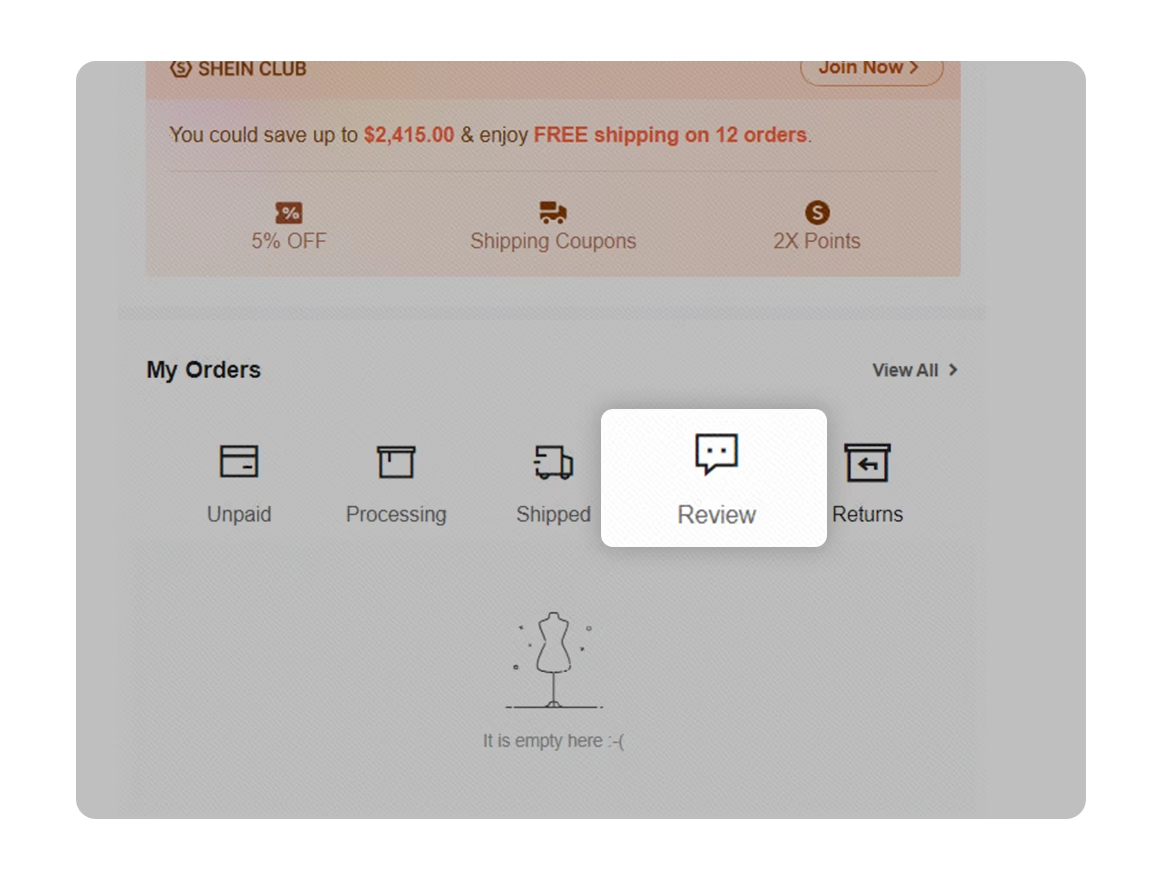
How to Track My Order
Track your order with a few clicks.
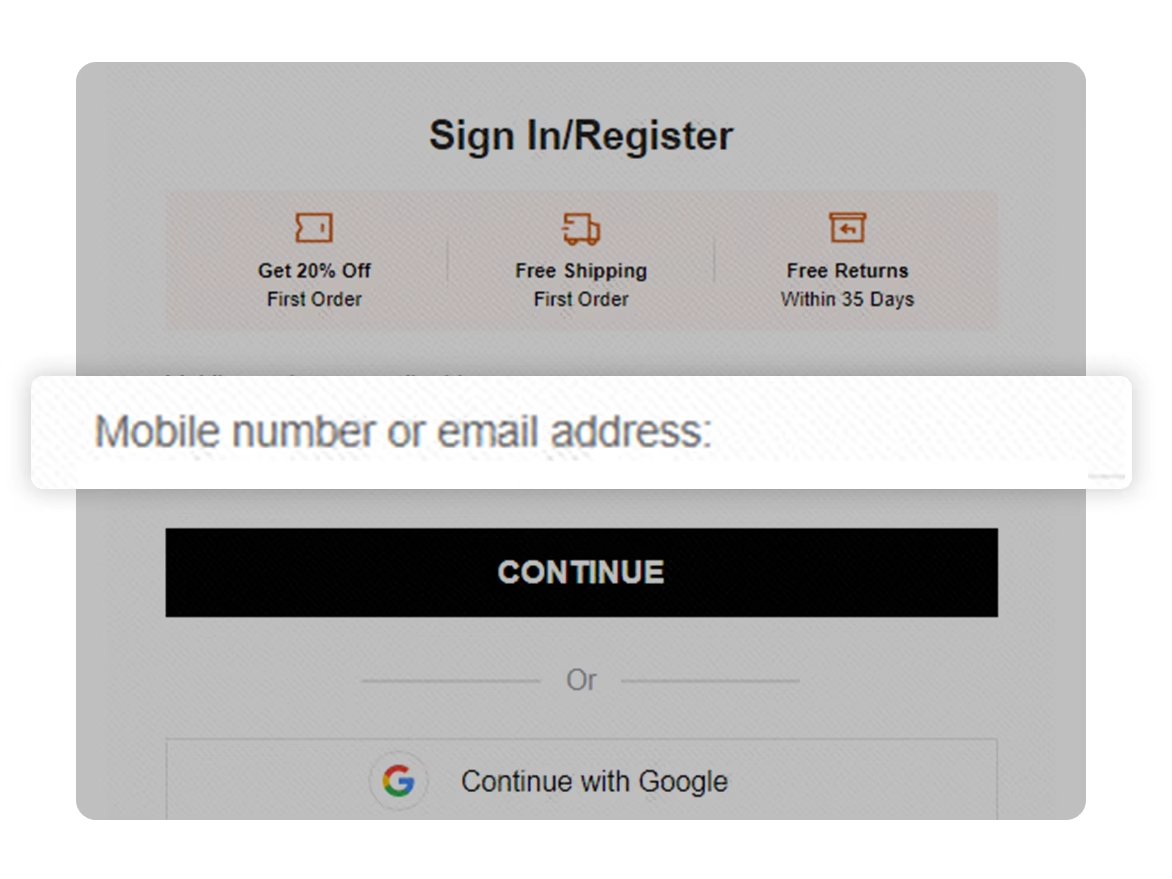
Step 1 Account login
Log into your account.
Step 2 Order Search
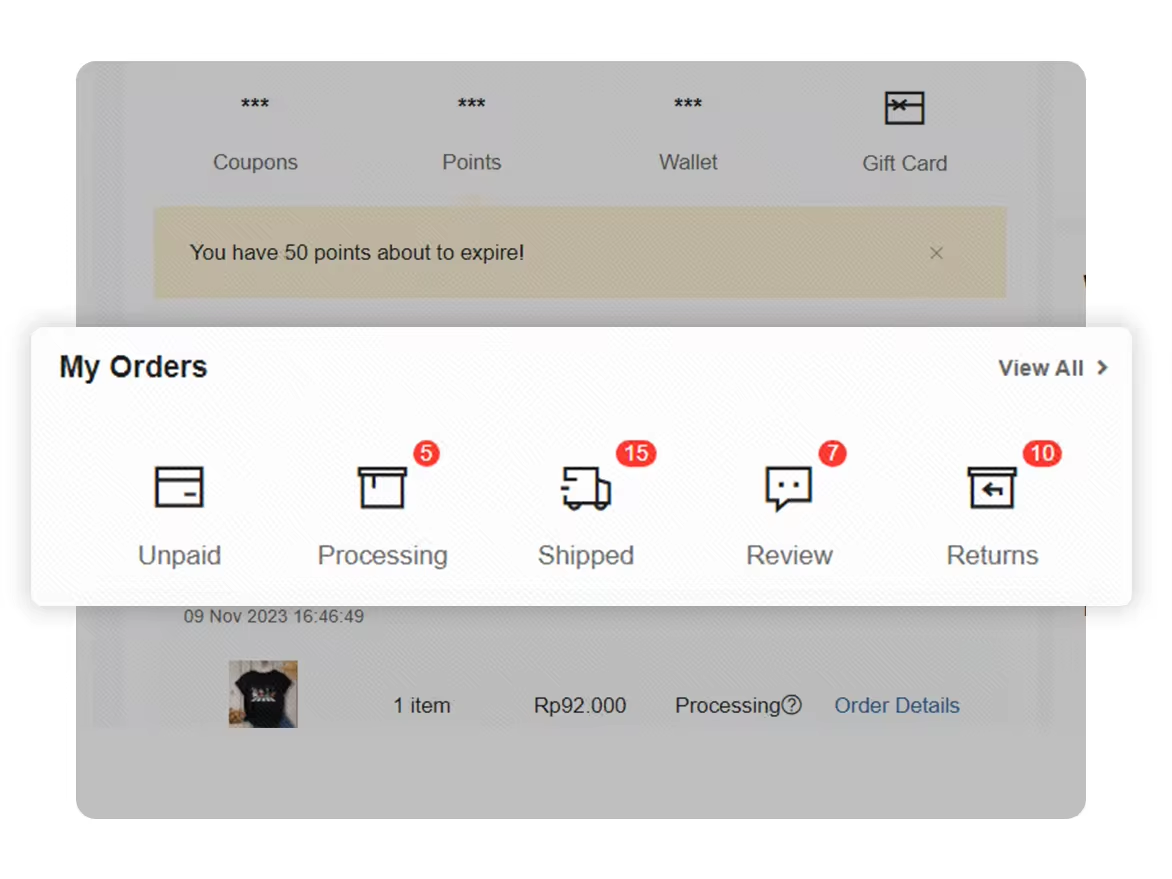
In “Personal Center”, click “View All” or “My Orders” to get an overview of your order history and status.
Step 3 Processing Orders
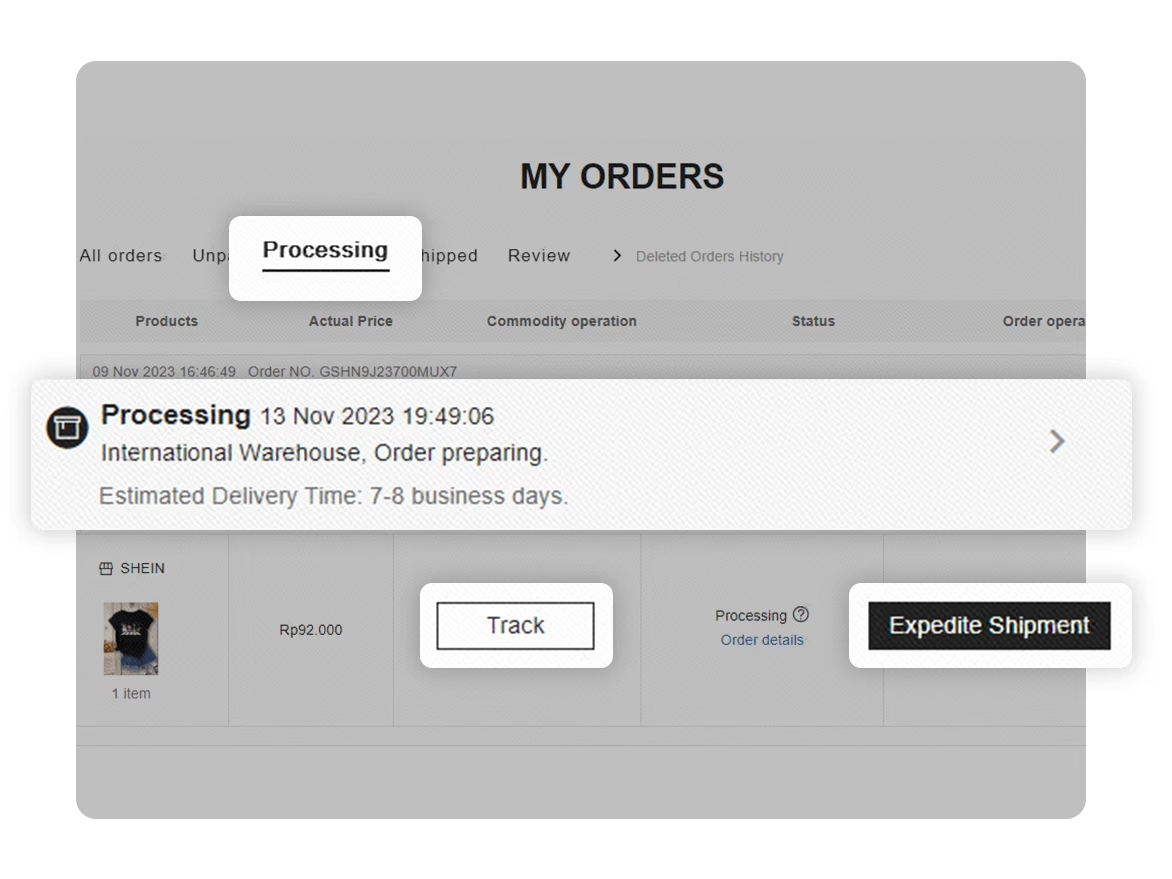
Check your package tracking and estimated delivery time. Select “Tracking Content” or “Track” to open the order tracking page. Select “Expedite shipment” to speed up processing when available.
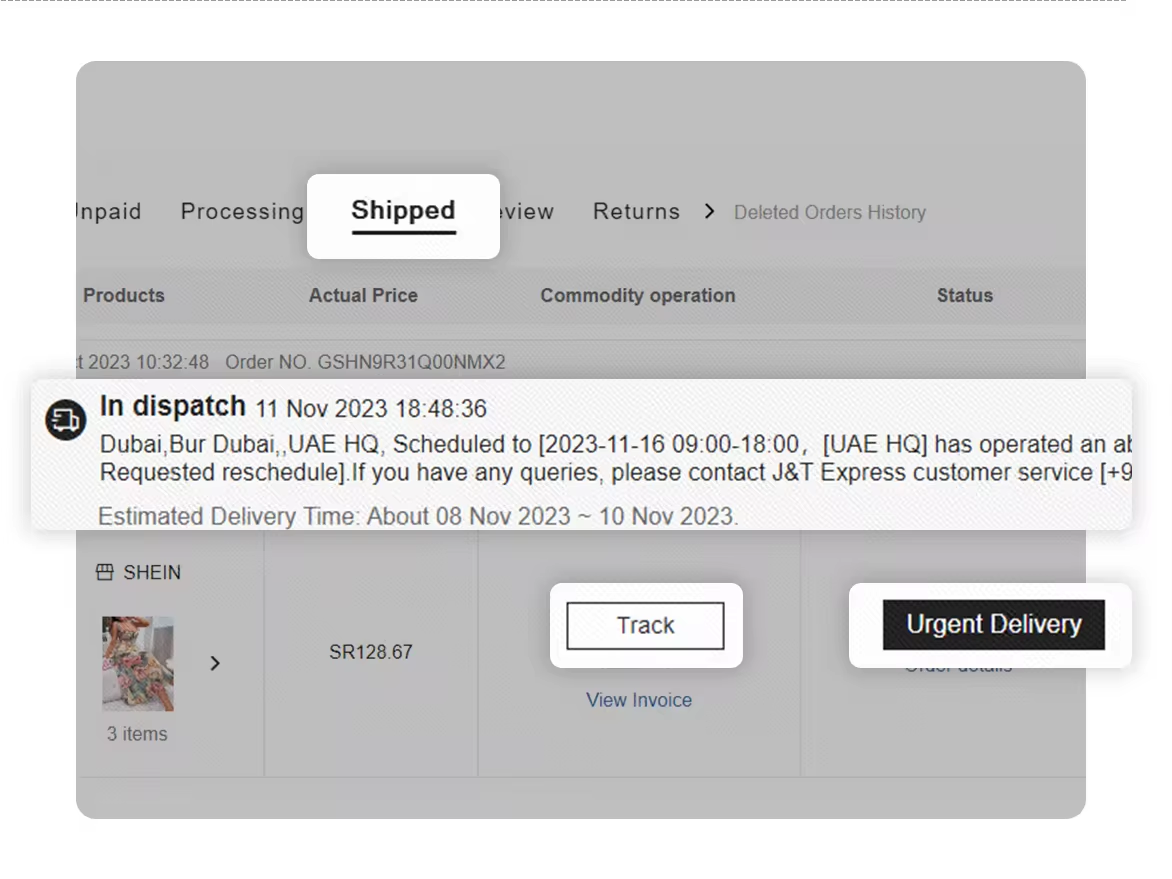
Step 4 Shipped Orders
Check your package tracking and estimated delivery time. Select “Tracking Content” or “Track” for details. Select “Urgent Delivery” to speed up shipment when available.
Step 5 Order Abnormity
Check your order details or click the notification to see information about any order abnormality.

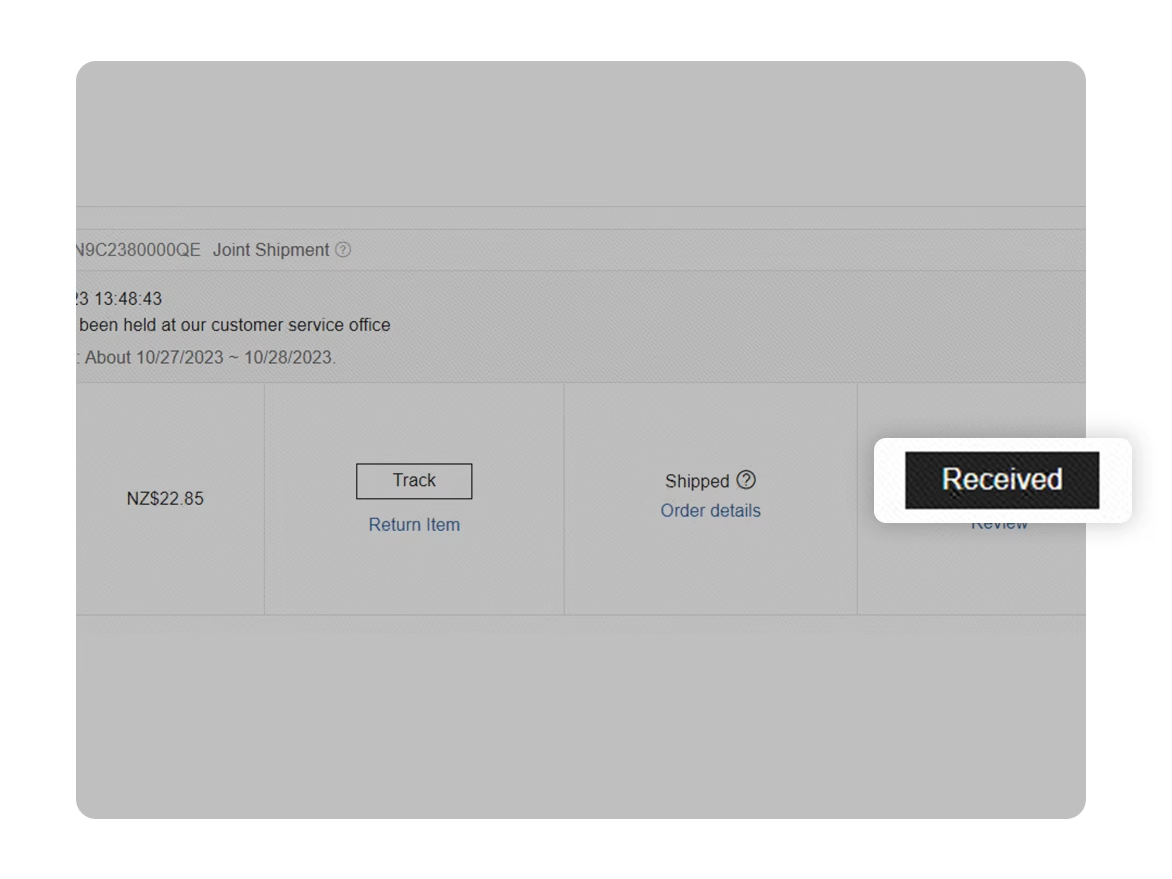
Step 6 Order Confirmation
Once you receive your package, select “Received” to confirm delivery and earn Bonus Points (Shop & Save).
Step 7 Review Submission
In “Review”, you can check previous reviews or write a review for your order.